
Score History
Every score change is tracked, so you can review what happened and undo mistakes.
Viewing Score History
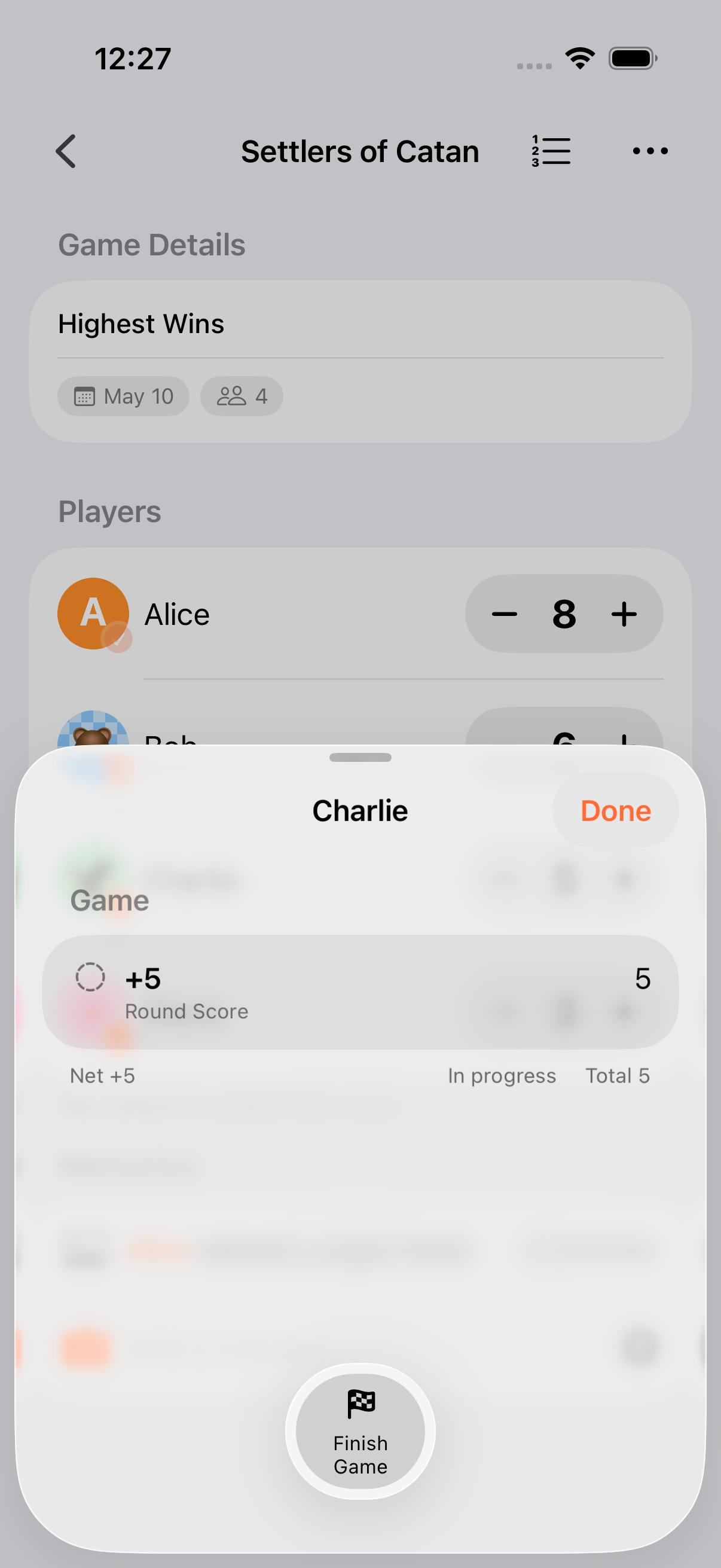
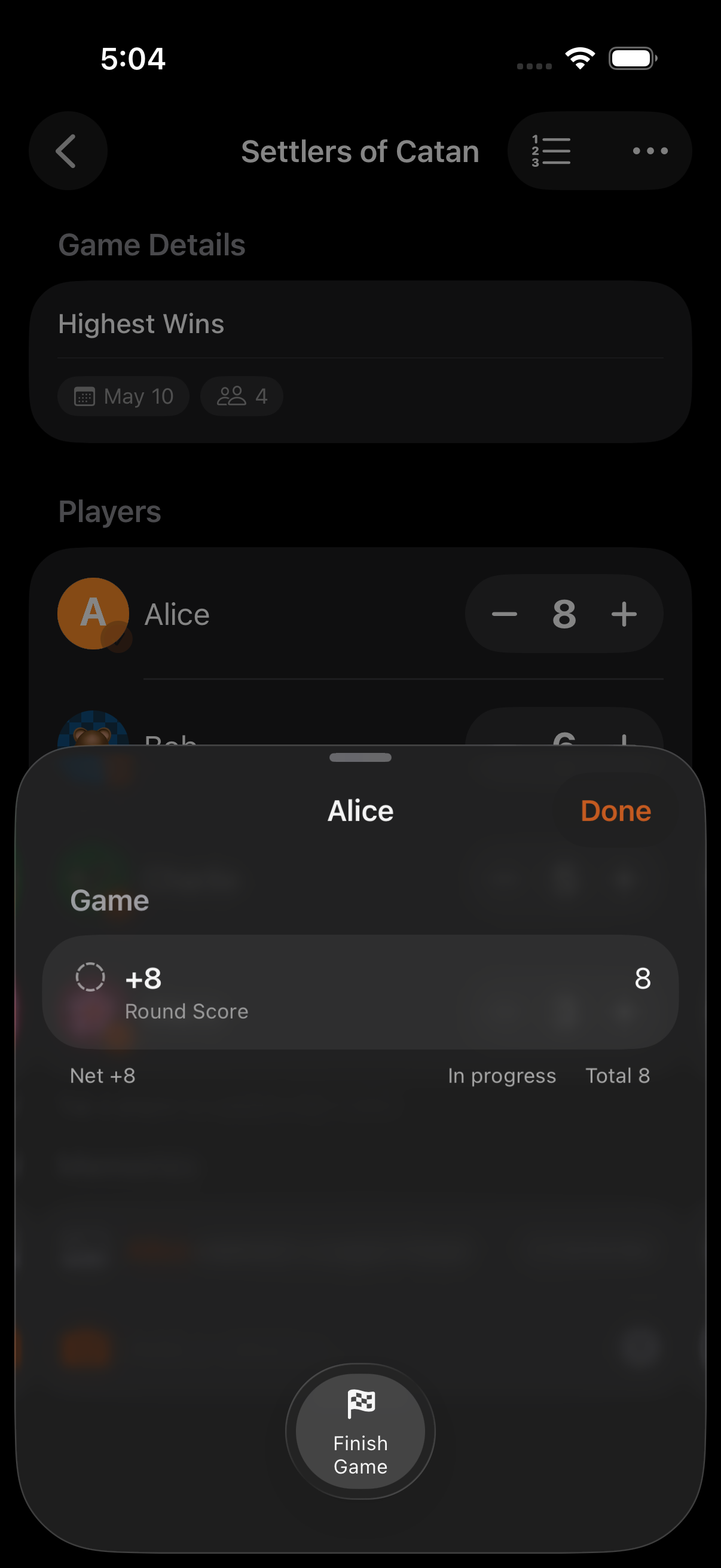
Section titled “Viewing Score History”Each game maintains a record of all score changes: who scored, how much, how it was entered, and when. Open score history from the game menu to see a chronological list of every adjustment.
Made a mistake? Undo walks back through recent scoring actions.
- Where: the undo button in the calculator, or the Undo Last Score action in Siri / Shortcuts
- Depth at the score level: every committed score change is saved as a record, so score-level undo walks back through that history without a fixed cap and survives quitting and reopening the app
- Calculator keystroke buffer: the calculator also has its own 50-step buffer for keystrokes inside an unfinished calculation. That’s separate from the persisted score history
- Atomic undo: multi-participant changes (like a Point Exchange) are grouped, so one undo reverses both sides together
- Round boundaries: changes from prior rounds become non-undoable once you advance to the next round
Score Changes
Section titled “Score Changes”Each score change records:
- Player: Who the score was applied to
- Amount: How much was added or subtracted
- Source: Quick adjust, calculator, Win/Draw/Loss, Point Exchange, or Siri shortcut
- Timestamp: When the change was made
- Round: Which round the change occurred in (for round-based games)
Game Notes
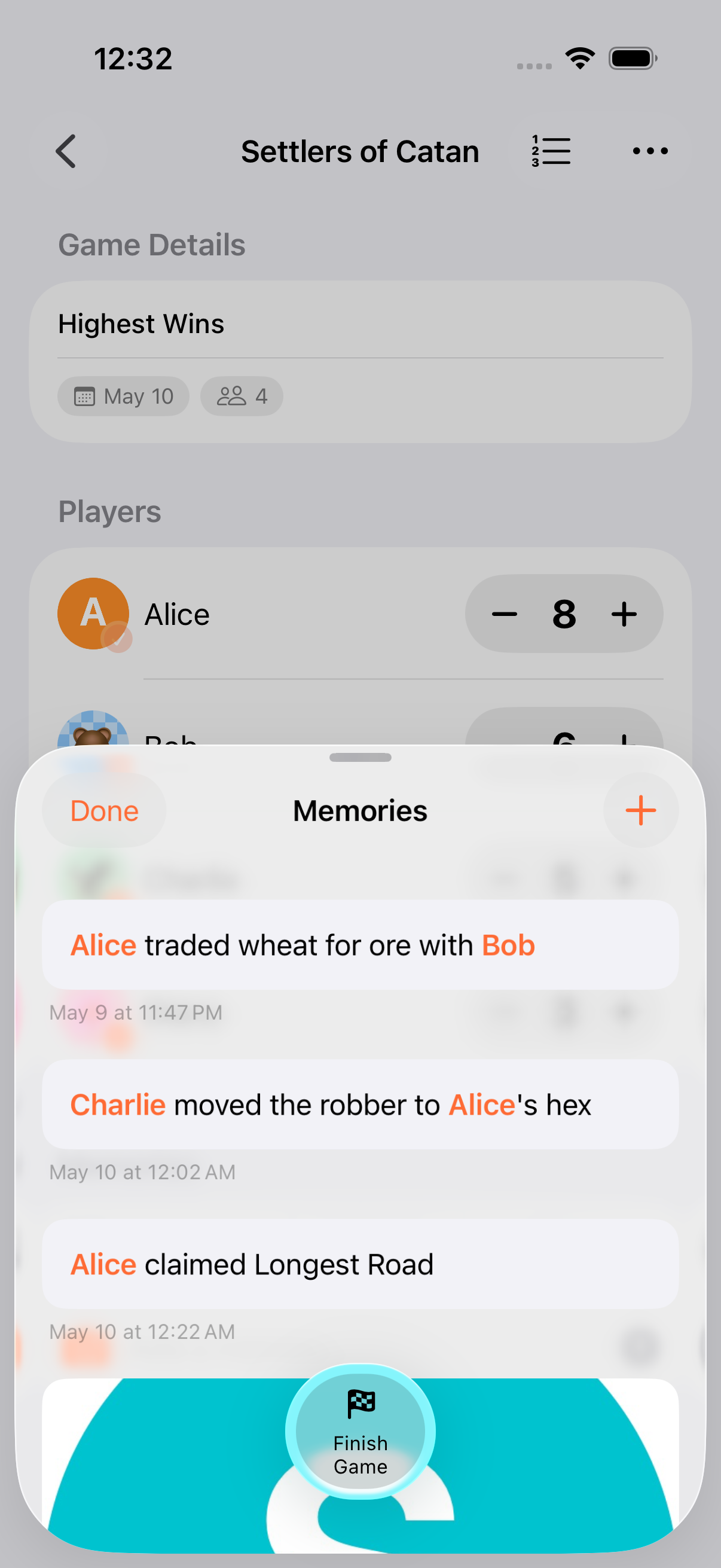
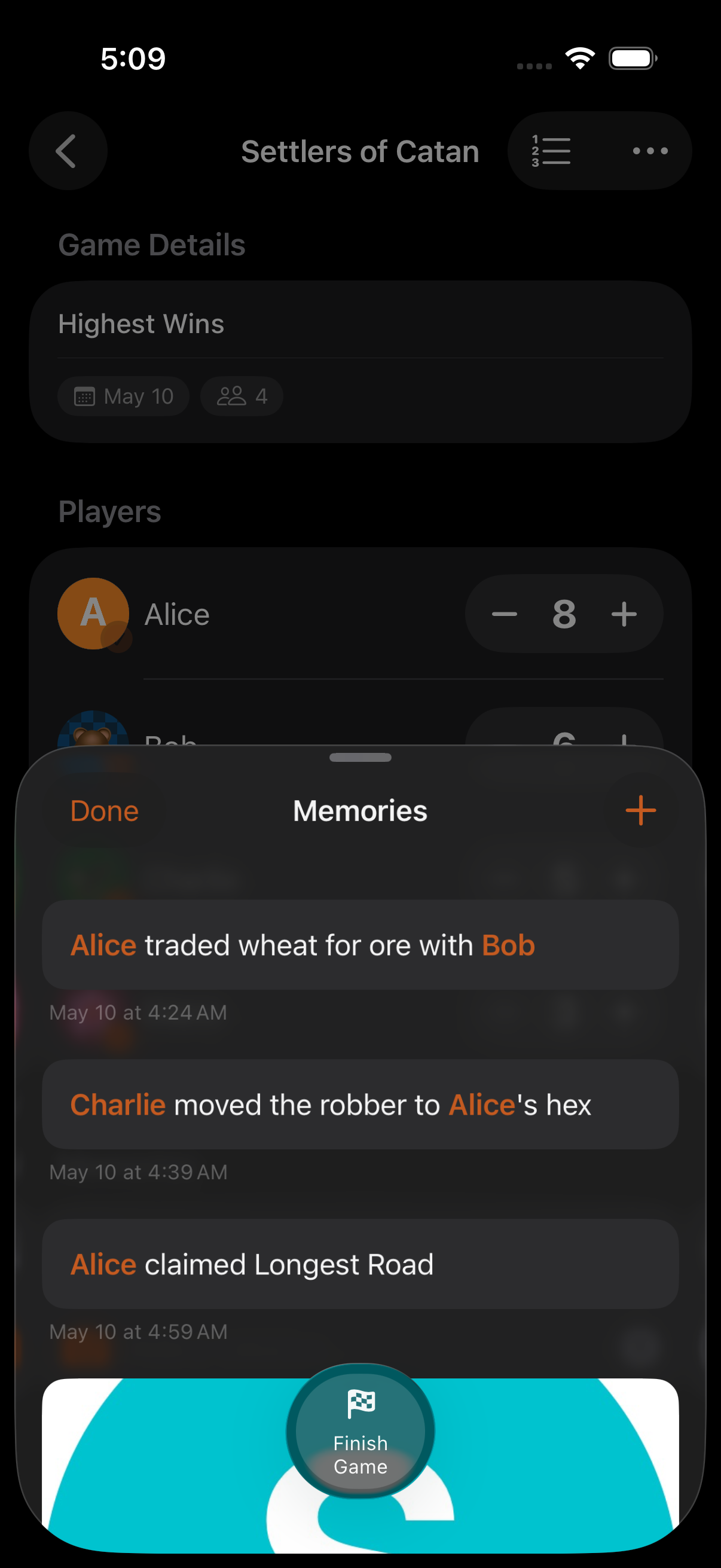
Section titled “Game Notes”Alongside score history, you can attach timestamped notes to a game: for rule clarifications, memorable moments, or anything worth remembering. In round-based games, notes are auto-tagged with the current round.
- The calculator’s undo button reverses applied scores, not the keystrokes inside an unfinished calculation. Use backspace for that
- Score history is included when you export game data
- In round-based games, the round grid leaderboard gives you a per-round breakdown alongside the full history
Related Features
Section titled “Related Features”- Calculator: Where undo is accessed
- Rounds: Per-round score tracking
- Sharing & Export: Export full score history
Is there a limit to how far back I can undo?
Section titled “Is there a limit to how far back I can undo?”Score-level undo has no fixed cap: every committed score is stored as a record and undo walks back through that log. The 50-step limit applies to the calculator’s keystroke buffer (the digits and operators of an unfinished calculation), which is a separate, in-memory thing.
The one hard boundary: once you advance to a new round, scores from earlier rounds are locked in and can’t be undone (use Reopen Previous Round before scoring the new round if you need to go back).
Does undo work across sessions?
Section titled “Does undo work across sessions?”Yes. Score history is persisted alongside the game itself, so closing and reopening the app (or switching to another iCloud-synced device) preserves it in full.