Teams
Teams let you group participants together for team-based games, with shared rankings and a choice of scoring style.
How It Works
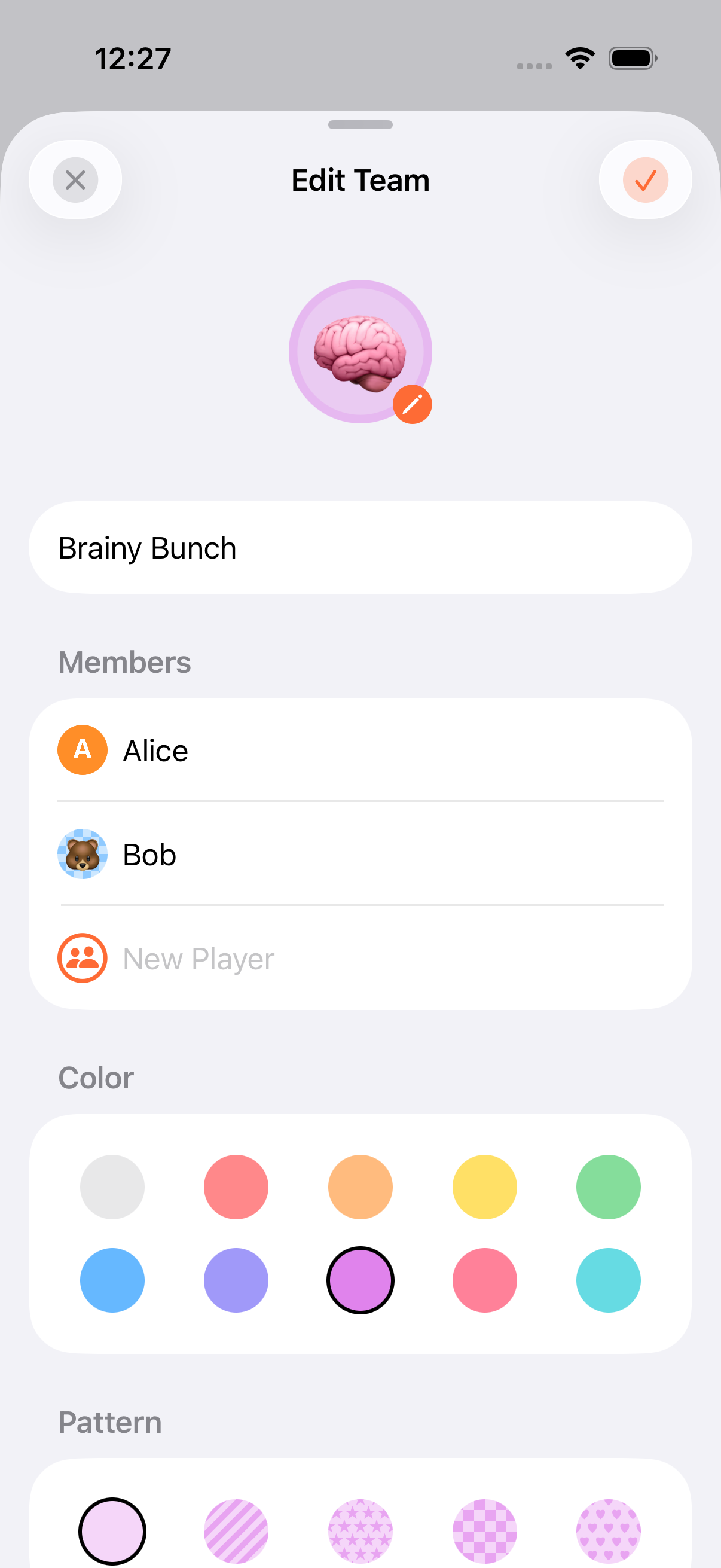
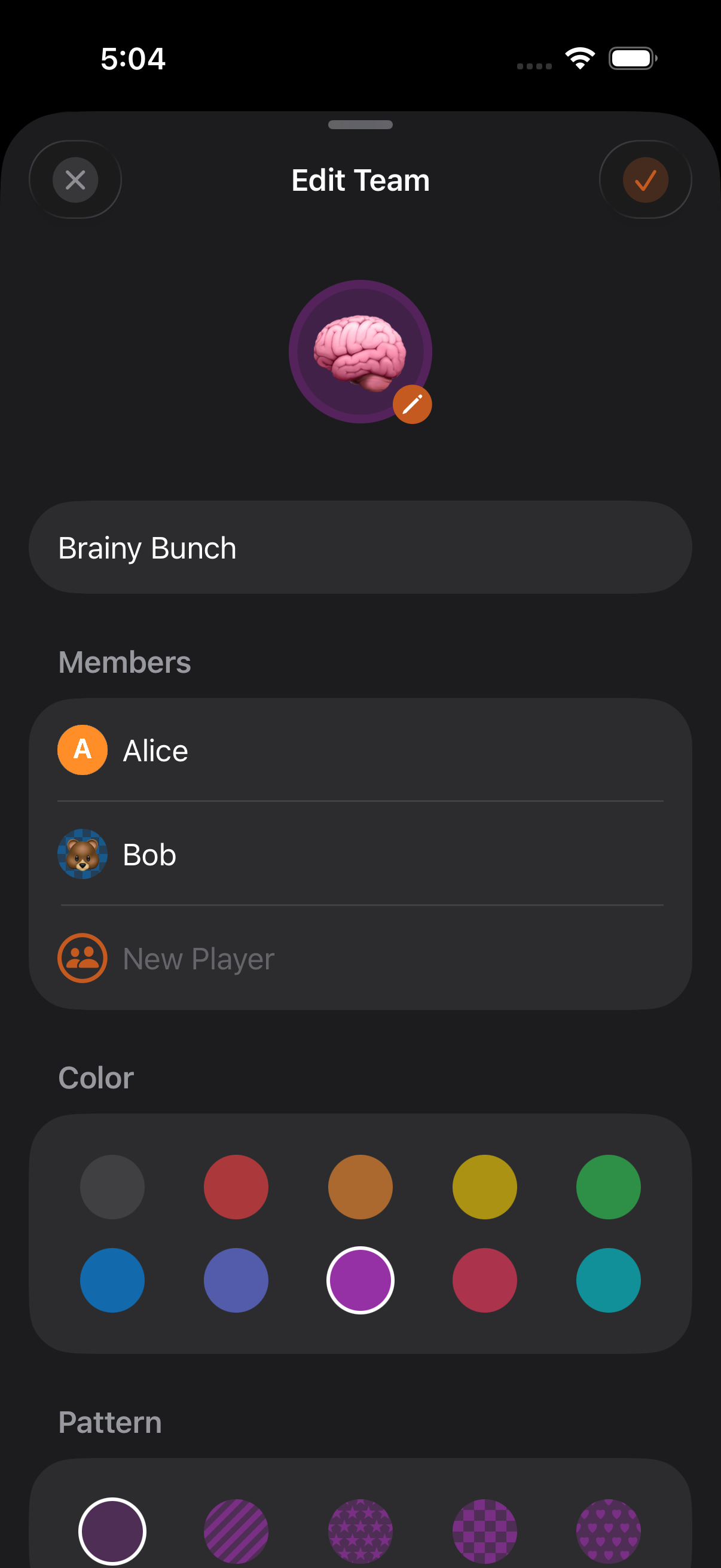
Section titled “How It Works”- When creating a game, add teams alongside (or instead of) individual players
- Give each team a name (up to 50 characters)
- Add members. Each member is a player within the team
- Choose how the team is scored
Team Scoring Modes
Section titled “Team Scoring Modes”Teams support two scoring approaches:
| Mode | How It Works |
|---|---|
| Team Total | A single score is tracked for the whole team |
| Individual | Each member’s score is tracked separately; the team total is the sum of member scores |
Team members can be added or removed during a game from the Edit Players view.
Team Personas
Section titled “Team Personas”Teams can have their own persona: a reusable identity with an emoji or photo avatar, color, and background pattern. Team personas can be linked to the personas of their members (a many-to-many relationship), so a player’s identity travels with them when they join a team.
Rankings
Section titled “Rankings”Teams are ranked just like individual players, based on the scoring mode:
- Highest Wins: the team with the highest total ranks first
- Lowest Wins: the team with the lowest total ranks first
- Win/Draw/Loss: teams track outcomes per round
- Teams work with all game features: rounds, timers, categories, and end conditions
- You can mix teams and individual players in the same game
- Use personas for team members so their stats carry across games
- CSV export adapts for per-player team games so member scores aren’t lost
Related Features
Section titled “Related Features”- Managing Players: Player operations within teams
- Scoring Modes: How team rankings work
- Sharing & Export: Team data in CSV/JSON exports
Can a player be on multiple teams?
Section titled “Can a player be on multiple teams?”No. Each player belongs to at most one team within a game.
Can I change team membership mid-game?
Section titled “Can I change team membership mid-game?”Yes. Use the Edit Players view from the game menu to add or remove members from teams during a game.
What’s the minimum number of teams?
Section titled “What’s the minimum number of teams?”Two. Like individual players, every game needs at least 2 participants. Teams count toward that minimum.