Finishing Games
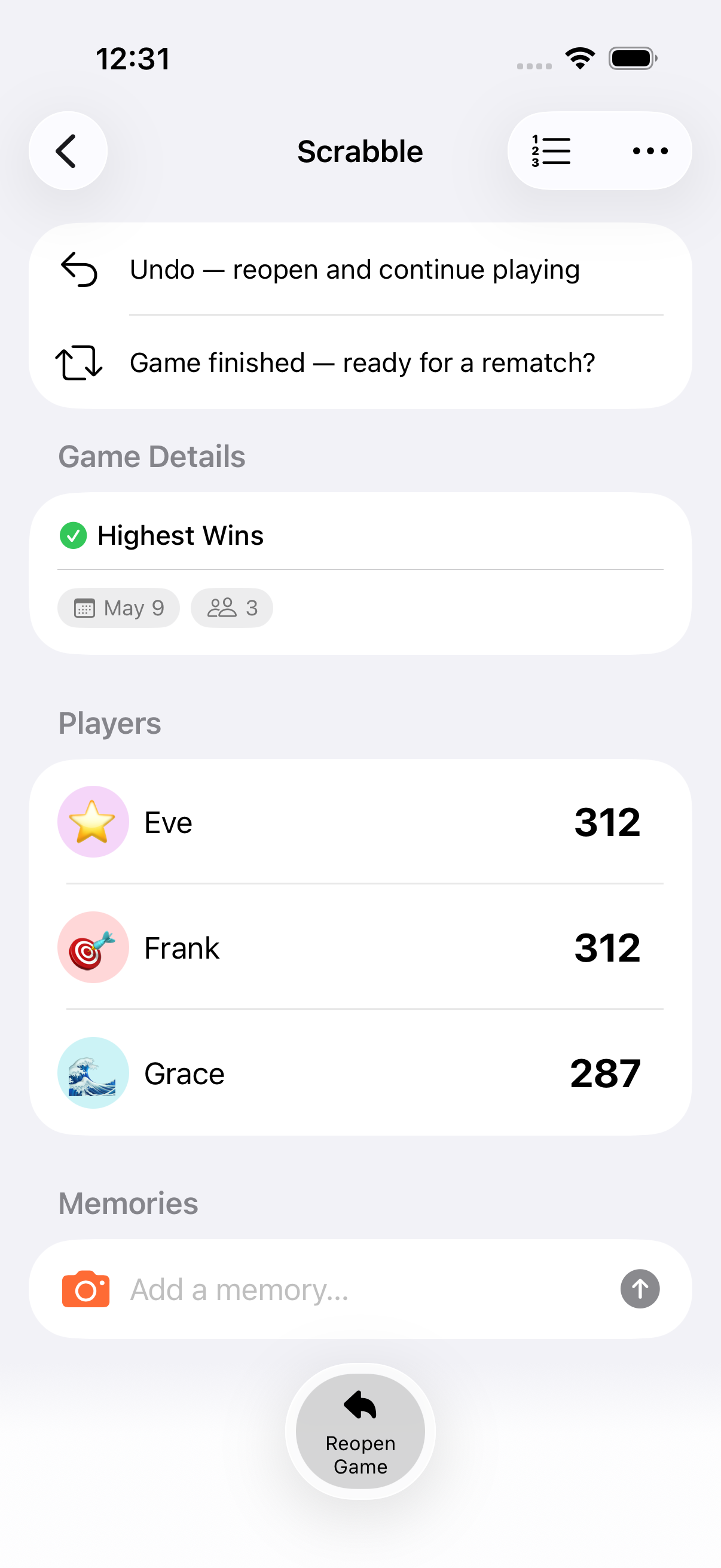
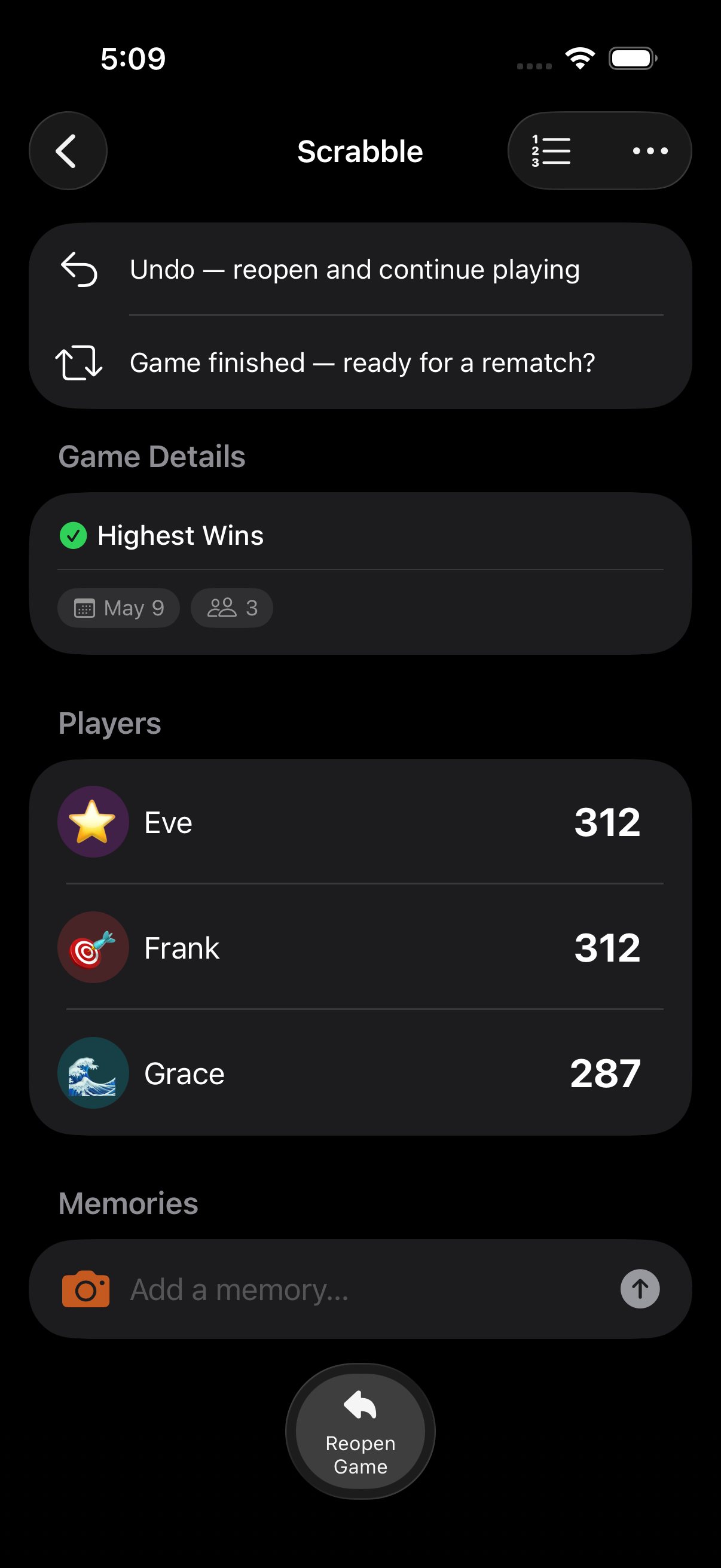
When a game is done, Keeping Score! celebrates the winner and gives you options for what’s next: share the results, reopen to keep playing, or rematch with the same crew.
How Games Finish
Section titled “How Games Finish”Automatic Finish
Section titled “Automatic Finish”If you set an end condition, the game finishes automatically when the condition is met:
- Target Score: A player reaches the target
- Total Scored: Combined scores hit the target
- Timed Game / Timed Round: Countdown reaches zero
If the calculator is open when a timer expires, completion is deferred until you close it so you don’t lose an in-progress score entry.
Manual Finish
Section titled “Manual Finish”For open-ended games (or to end early):
- Open the game menu (top right in the game detail)
- Tap Finish Game and confirm
Celebrations
Section titled “Celebrations”When a game finishes, the winner is crowned with:
- A 180-particle confetti animation (9 colours, 3-second duration)
- Rank 1 highlighted in the leaderboard
- A synchronised 4-stage celebration on AirPlay / TV: dim, spotlight, banner reveal, and confetti at 3x scale
The celebration respects the Reduce Motion accessibility setting. When enabled, the result is shown without animation.
After the Game
Section titled “After the Game”Share Results
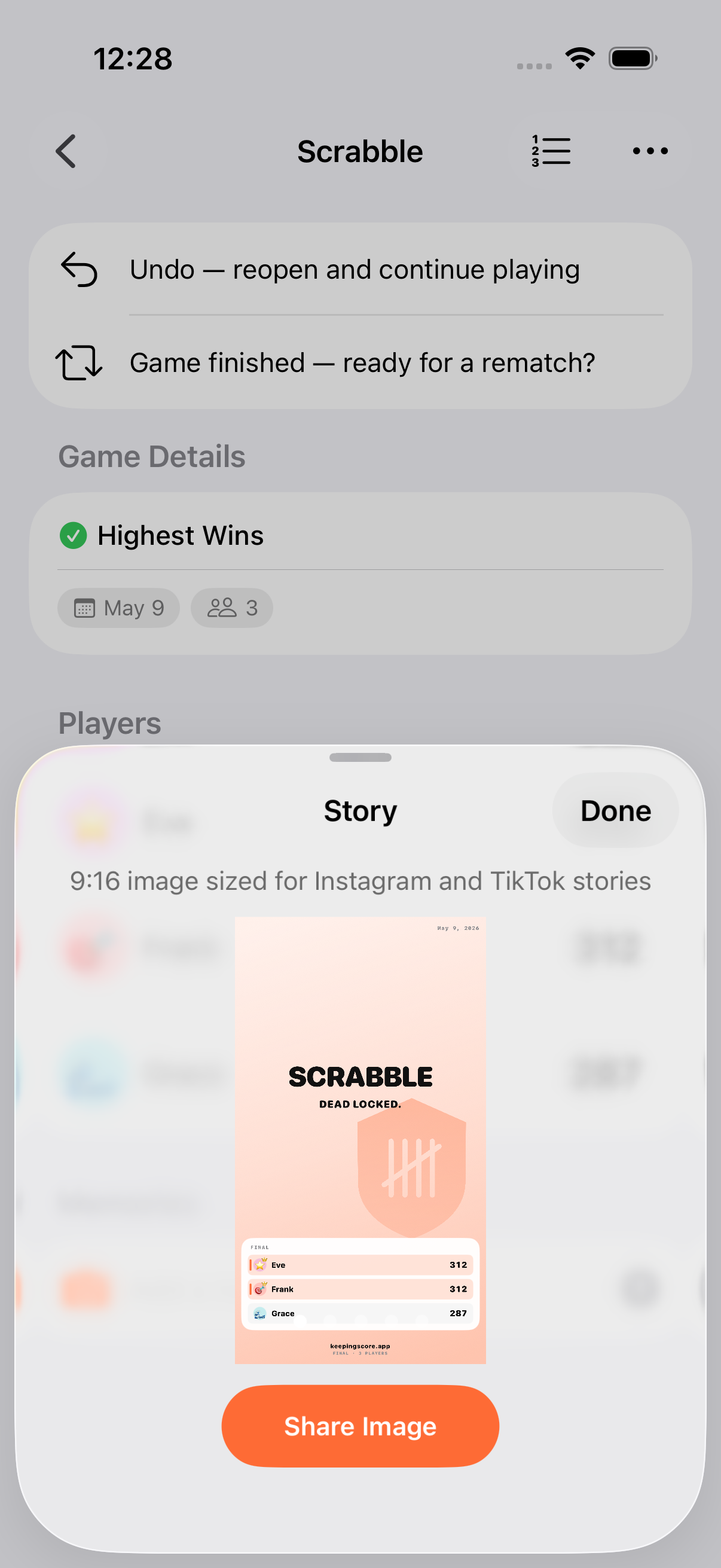
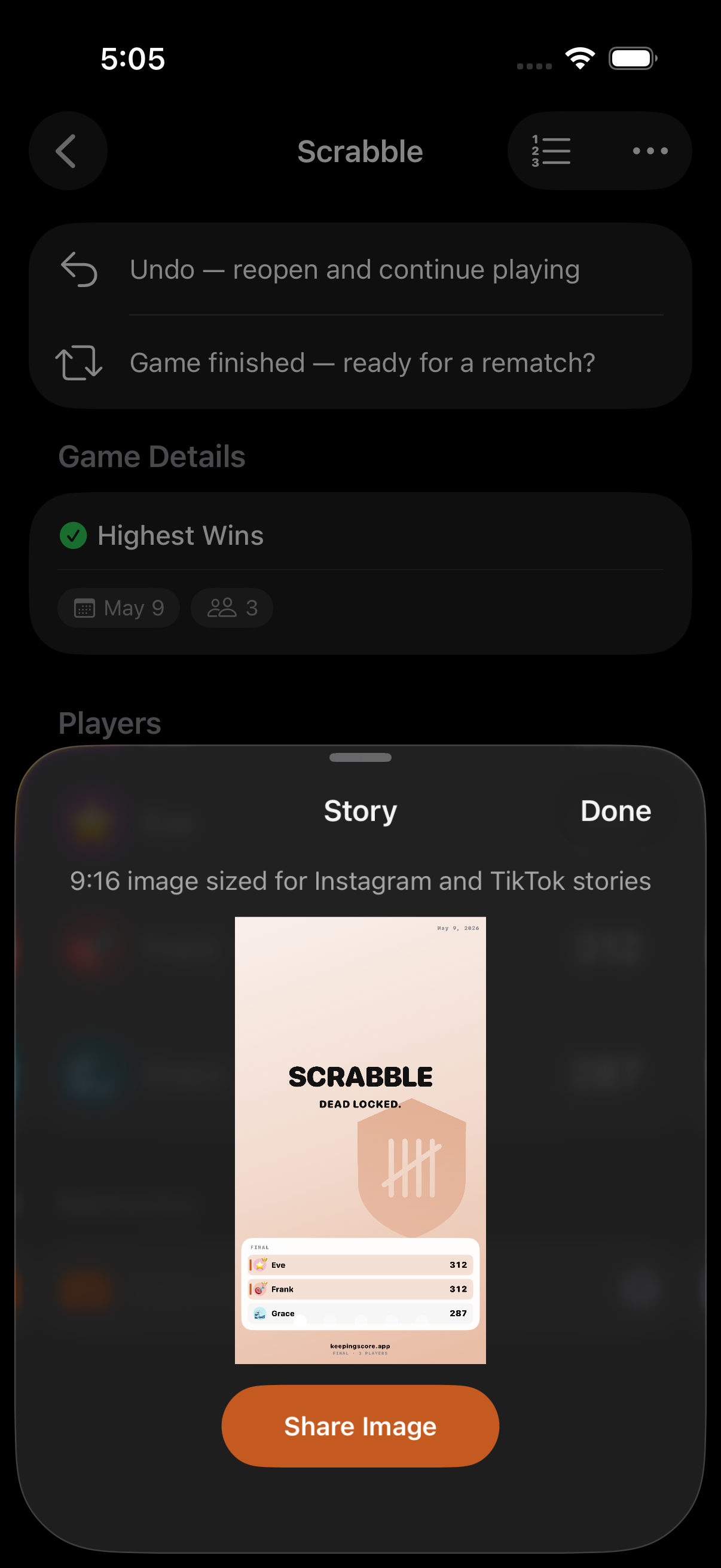
Section titled “Share Results”Share a results card showing final rankings and scores:
- Tap Share from the game menu
- A share card image is rendered at 2x scale
- Share via Messages, social media, or any app. The system share sheet also includes a text summary
Export
Section titled “Export”Individual games (or bulk selections) can be exported to CSV or JSON from the game menu / game list. CSV adapts to the game type (simple, round-based, per-player team) and includes the notes section.
Reopen a Game
Section titled “Reopen a Game”Changed your mind? Reopen a finished game to resume scoring. It restores the last committed round and moves back to the Playing filter.
Rematch
Section titled “Rematch”Start a fresh game with the same configuration and players:
- From a finished game, tap Rematch
- A new game is created with the same title, scoring mode, end condition, end value, starting score, score increment, round-based setting, and participants (with their personas)
- The date resets to today and scores reset to the starting value
Recently Deleted
Section titled “Recently Deleted”Deleted games aren’t gone. They spend 30 days in Settings → Data → Recently Deleted where they can be restored or permanently removed before automatic purge.
- Finished games appear in the Finished filter on the game list
- You can finish a game early even if its end condition hasn’t been met
- The winner is determined by the scoring mode: highest score, lowest score, or most Win/Draw/Loss points
- Final rankings are stored at completion for fast historical queries
Related Features
Section titled “Related Features”- End Conditions: Automatic finish triggers
- Sharing & Export: Share cards and CSV/JSON export
- AirPlay: TV celebration display
Can I reopen a finished game?
Section titled “Can I reopen a finished game?”Yes. Open the game, tap the game menu, and choose to reopen it. Scoring resumes from the last committed round and the game moves back to the Playing filter.
Does Rematch copy all settings?
Section titled “Does Rematch copy all settings?”Yes. Rematch creates a new game with the same title, scoring mode, end condition, end value, starting score, score increment, round-based setting, and participants. Only the scores and date reset.
I deleted a game by mistake. Can I get it back?
Section titled “I deleted a game by mistake. Can I get it back?”Yes, within 30 days. Go to Settings → Data → Recently Deleted and restore it.