
Timers
Add a countdown timer to any game. Choose from presets or set a custom duration.
Timer Presets
Section titled “Timer Presets”| Preset | Duration |
|---|---|
| Quick | 5 minutes |
| Short | 10 minutes |
| Medium | 15 minutes |
| Long | 30 minutes |
| Custom | Any MM:SS value |
How It Works
Section titled “How It Works”- When creating a game, choose a timed end condition: Timed Game or Timed Round
- Select a preset or enter a custom MM:SS duration
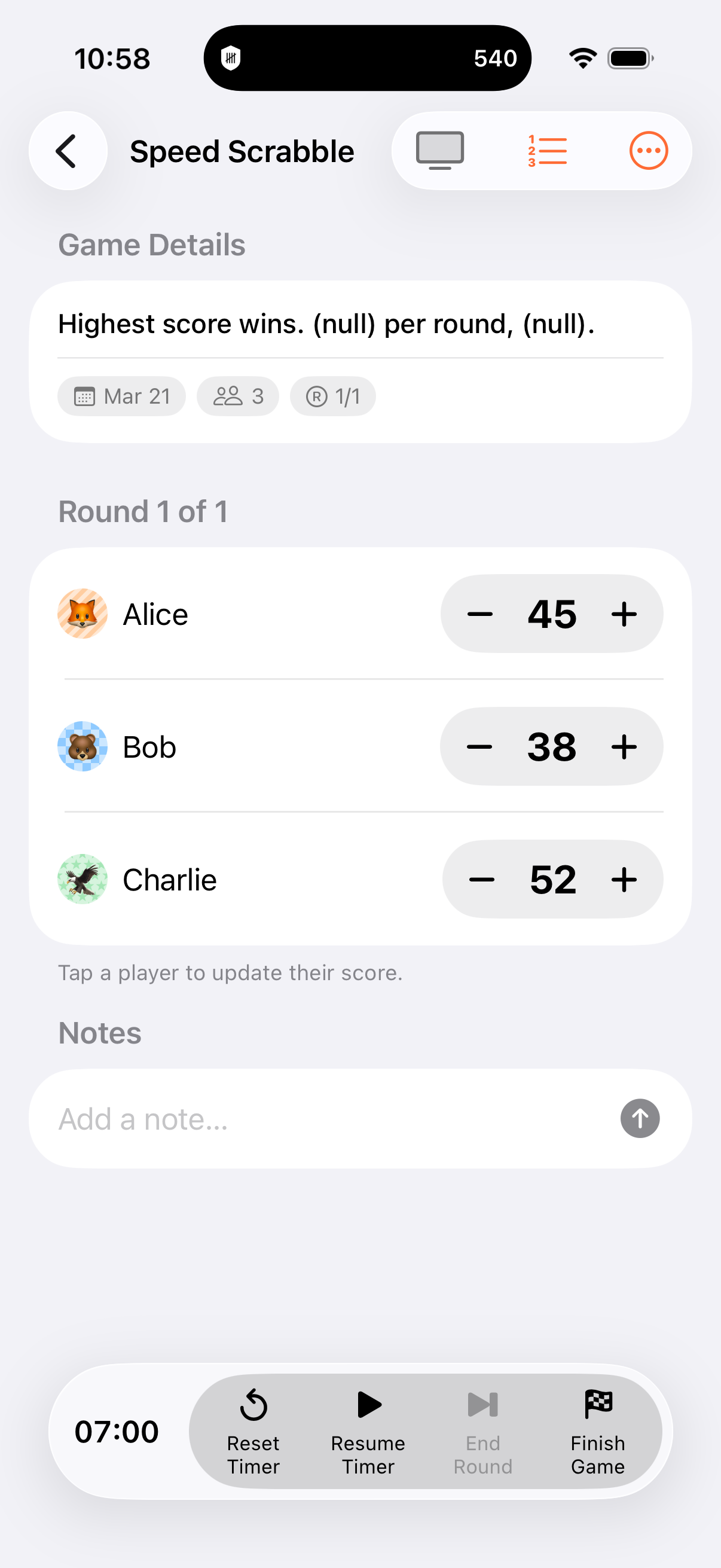
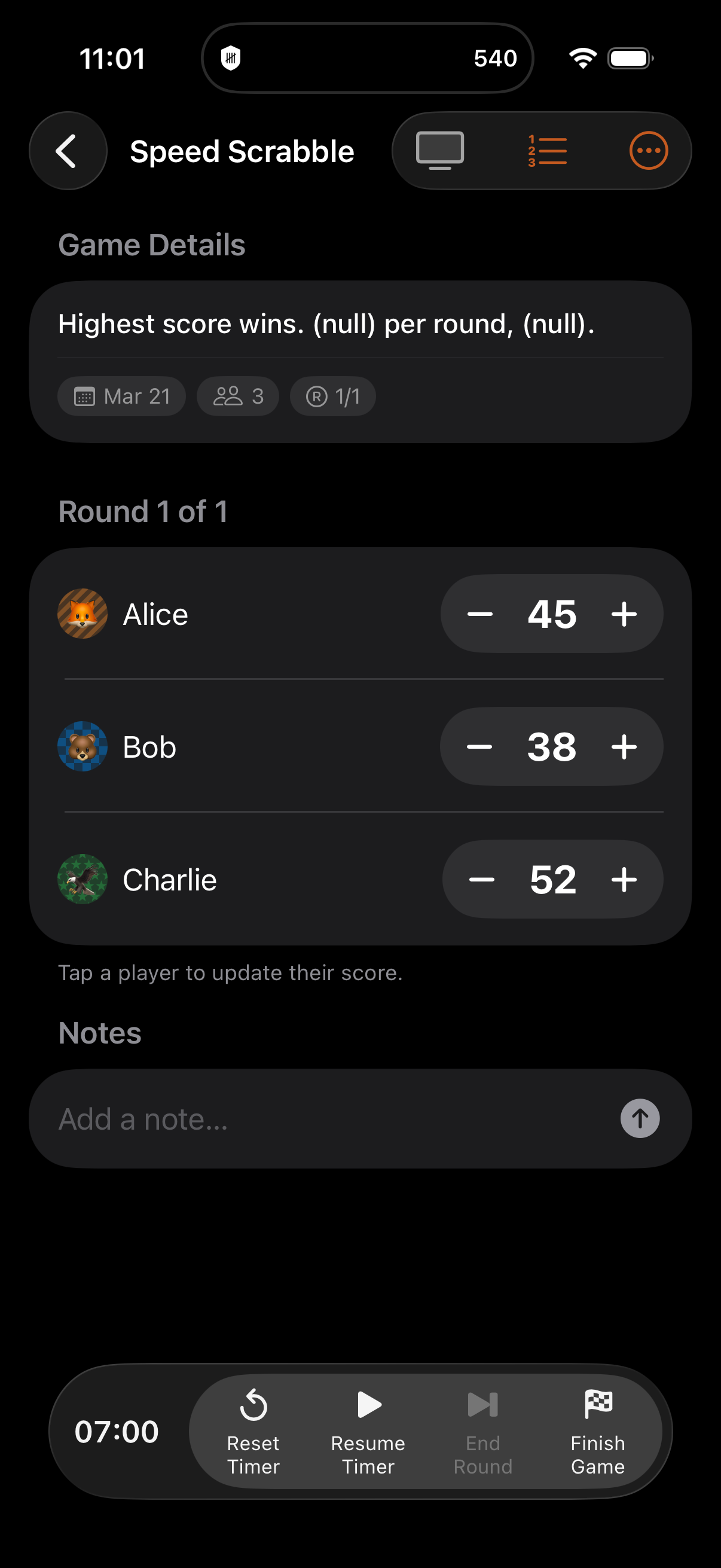
- During gameplay, start the timer with the play button
- Pause and resume as needed
- When the timer reaches zero, the game (or round) finishes automatically
The countdown is driven by TimelineView for smooth, real-time updates.
Timer Controls
Section titled “Timer Controls”- Start: Begin the countdown
- Pause: Freeze the timer (resume anytime)
- Resume: Continue from where you paused
- Reset: Start the countdown over from the original duration
Game-Level vs Round-Level Timers
Section titled “Game-Level vs Round-Level Timers”| Type | Behavior |
|---|---|
| Timed Game | One timer for the entire game, runs across all rounds |
| Timed Round | Timer resets at the start of each round |
Persistent State
Section titled “Persistent State”The timer’s accumulated seconds and start timestamp are saved to the database, so the countdown survives:
- App being closed and reopened
- Device restarts
- Switching between apps
When you return, the timer continues from exactly where it was.
Background Notifications
Section titled “Background Notifications”When a timer is running, a local notification is scheduled so you’re alerted if the app is backgrounded at expiry. Notifications are automatically cancelled if the timer is paused, reset, or the game finishes.
Calculator Safety
Section titled “Calculator Safety”If the calculator is open when the timer expires, game completion is deferred until the calculator closes. This prevents losing an in-progress score entry.
- Pin a timed game to your Home Screen with the Timer Widget to see the countdown without opening the app
- The timer also appears in Live Activities on the Lock Screen and Dynamic Island
- Use timed rounds to add urgency to each round in a multi-round game
- Customise the Timer Tick and Timer Expired sounds in sound settings
- Toggle the timer from Control Center with the Toggle Timer widget
Related Features
Section titled “Related Features”- End Conditions: Timer is one of several end condition types
- Widgets: Timer Widget shows countdown on Home Screen
- Live Activities: Timer on Lock Screen and Dynamic Island
- Sounds: Custom timer tick and expiry sounds
What happens if the app is closed during a timed game?
Section titled “What happens if the app is closed during a timed game?”The timer state is saved to the database, so it survives app restarts. When you reopen the app, the timer continues from where it was, and a local notification alerts you at expiry if the app is still in the background.
Can I change the timer duration mid-game?
Section titled “Can I change the timer duration mid-game?”No. The duration is set when you create the game. You can reset the timer to start again from the original duration.
What if I’m in the calculator when the timer expires?
Section titled “What if I’m in the calculator when the timer expires?”Game completion is deferred until you close the calculator, so you won’t lose your in-progress score entry.