
Memories
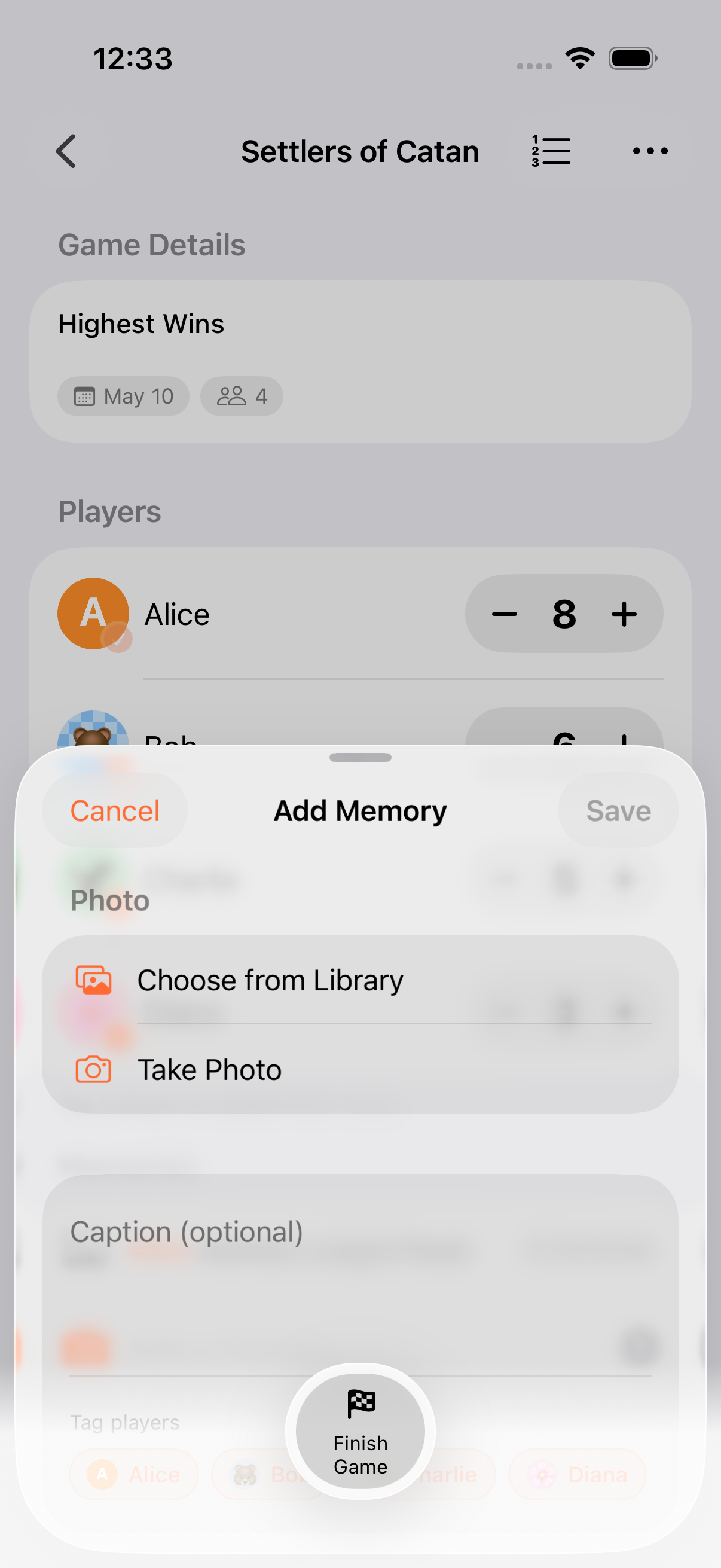
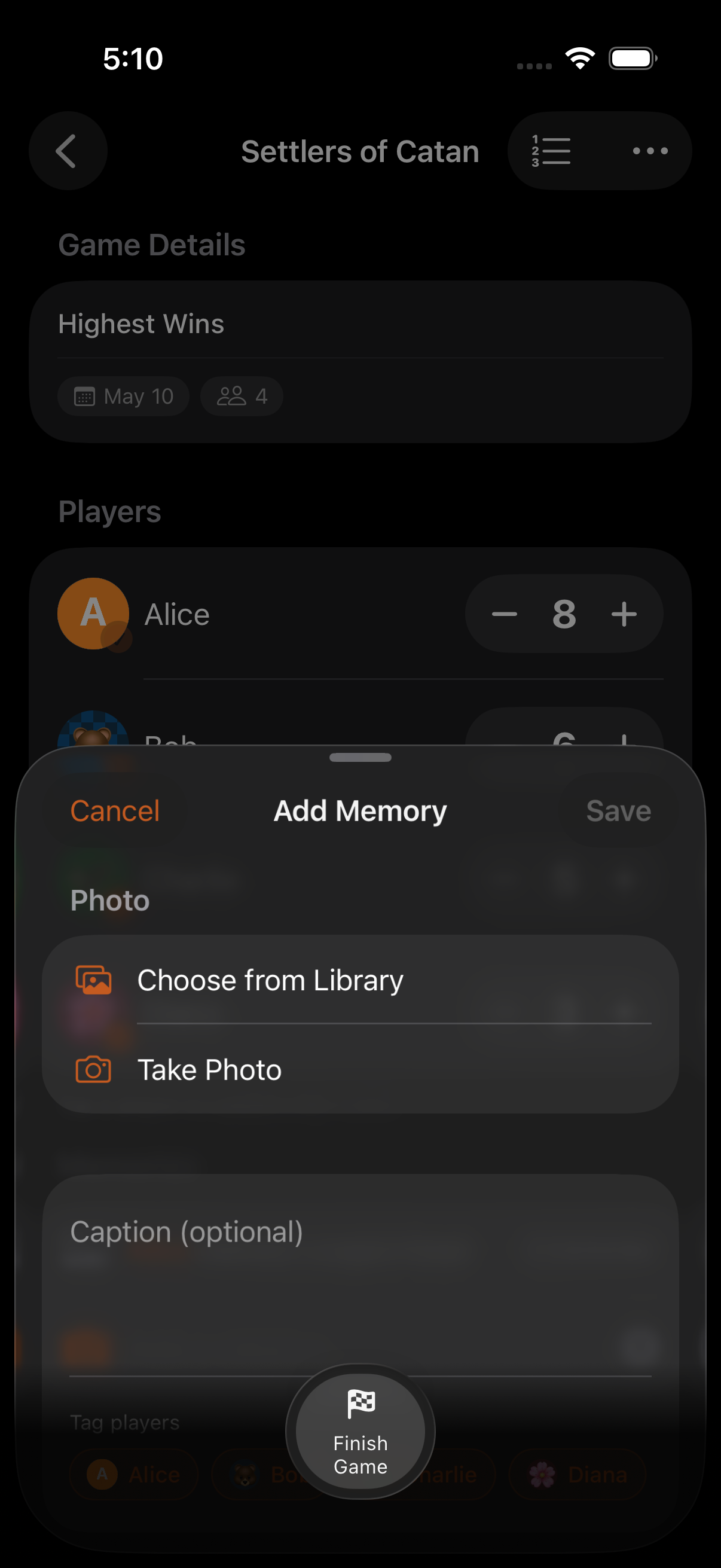
Memories are captioned photos and text entries you can attach to a game while you play. They show up in the game’s history, on share cards, and on persona stats, so the score isn’t the only thing you take away from a session.
What’s in a memory
Section titled “What’s in a memory”A memory can carry a photo, a caption, or both:
- Photo + caption: capture from the in-game camera or pick from your library. Captions are limited to 140 characters.
- Text-only: quick notes work too, e.g. “house rule: no jokers” or “epic comeback round 4”.
- Round-tagged: memories you create during a round-based game are auto-tagged with the round number, so the history reads like a play-by-play.
Quick composer
Section titled “Quick composer”The floating bar on the gameplay screen has an inline memory composer with horizontal scroll, so you can drop a quick line without leaving the score view. Tap the camera glyph to open the full capture sheet for photos.
Memory history
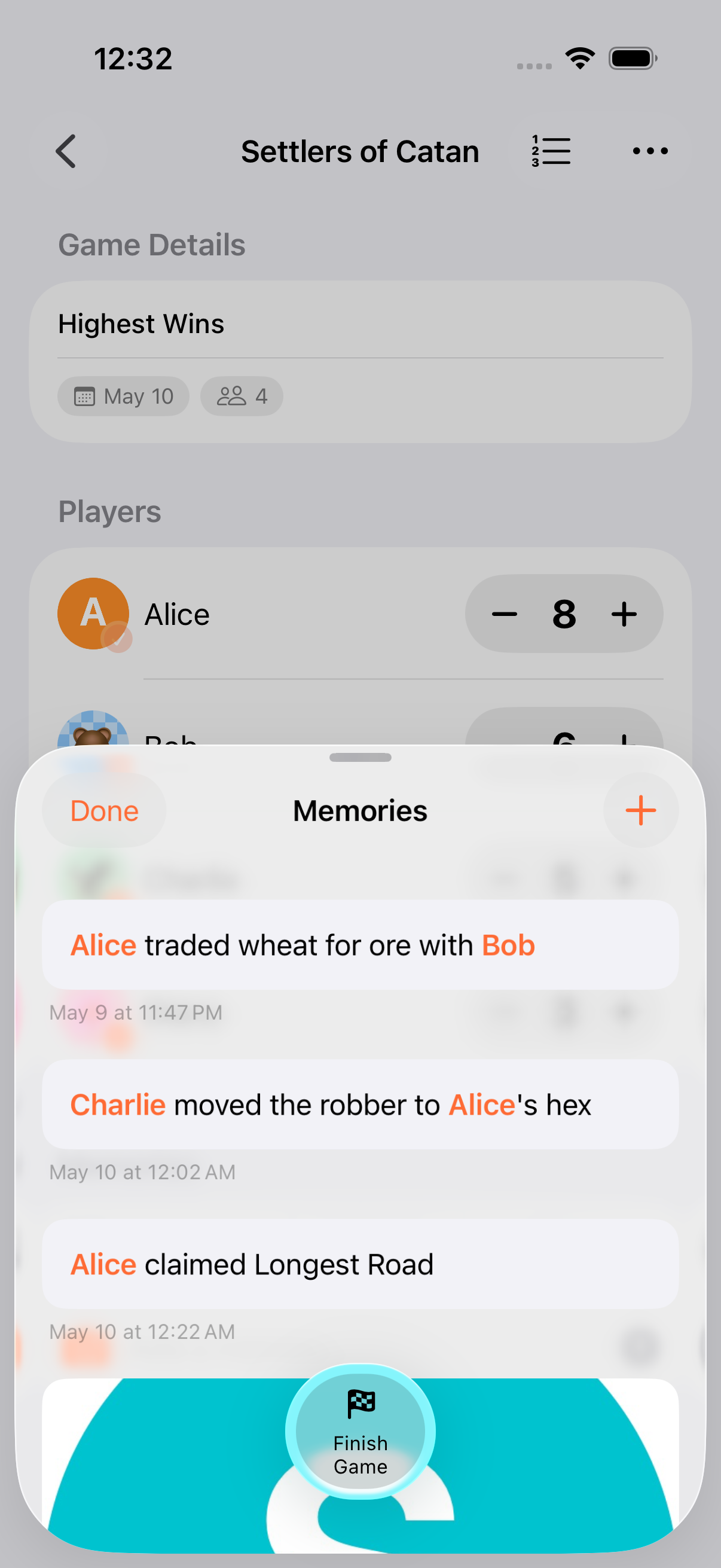
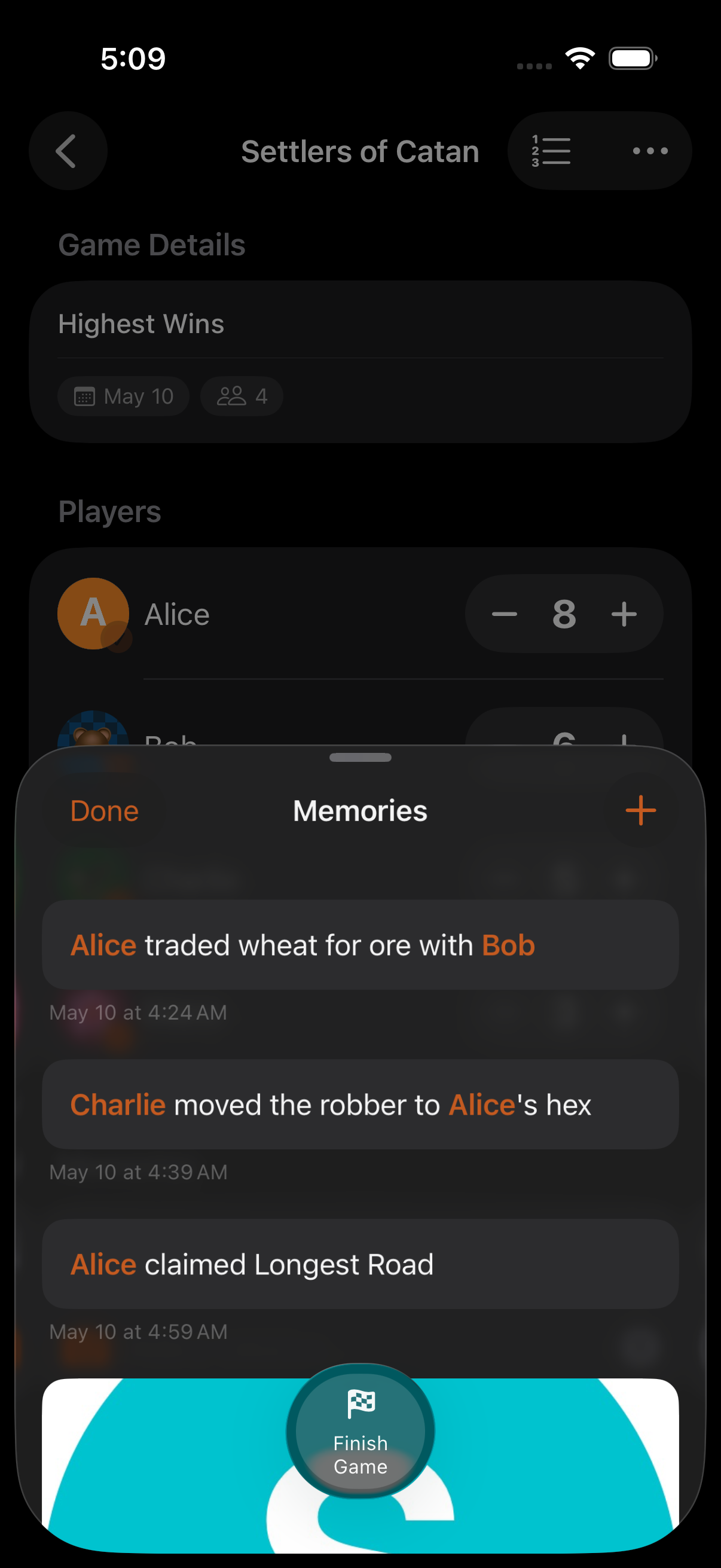
Section titled “Memory history”The Memories sheet groups every memory in uniform rounded cards. In round-based games, entries are grouped by round. Photo cards carry an explicit pencil at the bottom-trailing corner; tap it (or the card itself) to edit. Text-only cards open straight to edit on tap. Swipe a card to delete.
Tap a photo to open it full-screen in a pinch-zoom viewer with pan support. Wide or tall photos are letterboxed in the card, so nothing important gets cropped out of the thumbnail.
When you’re composing a memory and add a photo, the photo-source picker tiles (Library / Camera) hide themselves to keep the focus on the chosen image. Tap the photo to swap it.
Mentions
Section titled “Mentions”Tag participants in a caption by name and the rendered memory links the mention back to that persona. If a player has been removed since you wrote the memory, the mention degrades silently to plain text. Old memories never break.
Hero memory
Section titled “Hero memory”Pin one memory as the hero for a game and its photo becomes the cover image on:
- The game detail header
- Share cards (Story Card, Polaroid)
- Persona stats thumbnails
If nothing is pinned, the most recent photo wins by default. Swap heroes any time from the memory sheet.
How they’re stored
Section titled “How they’re stored”Photo data is stored using SwiftData’s external-storage attribute: binaries live outside the primary store and sync efficiently through CloudKit.
- Memories show up on the TV display chyron as a real-time ticker, handy for calling out house rules mid-game.
- Use a hero memory for share cards. The Polaroid format is built around that pinned photo.
- Tagging a player by name is the fastest way to single out who pulled off something memorable.
- Add a memory while waiting for the next round. The quick composer is one-handed friendly.
Related Features
Section titled “Related Features”- Sharing & Export: Memories surface on Story Card and Polaroid share images
- AirPlay: Memory captions ticker across the TV display chyron
- Personas: Mentioned personas link from the memory render
Can I add a memory after a game finishes?
Section titled “Can I add a memory after a game finishes?”Yes. Open any game from the games list and use the memories sheet. There’s no time limit.
Do memories sync between my devices?
Section titled “Do memories sync between my devices?”Yes. Memories sync through iCloud alongside the rest of your game data. Photos use SwiftData’s external-storage attribute so the sync stays efficient.
Can I export memories?
Section titled “Can I export memories?”Yes. Memories are included in the CSV and JSON exports for each game. See Sharing & Export.