
Core Concepts
Before diving into features, here’s a quick overview of the key concepts you’ll encounter in Keeping Score!
Participants
Section titled “Participants”Every game needs at least two participants: the umbrella term for players and teams:
- Players: Individual competitors. Type a name or pick from saved personas.
- Teams: Groups of players scoring together. A team can track a single Team Total score, or sum up Individual member scores.
Participants can be reordered via drag-and-drop, shuffled randomly from the game menu, eliminated mid-game (excluded from rankings), and marked as the current dealer for turn tracking.
Scoring Modes
Section titled “Scoring Modes”How winners are determined. Choose one when creating a game:
| Mode | How It Works | Example Games |
|---|---|---|
| Highest Wins | Highest score wins (default) | Scrabble, Trivia |
| Lowest Wins | Lowest score wins | Golf, Hearts |
| Win/Draw/Loss | Outcome-based: each round records W/D/L with League (3/1/0) or Classic (1/0.5/0) preset, or a custom split | Tournament brackets, Kids games |
Point Exchange is an additional modifier (compatible with Highest/Lowest Wins) for zero-sum games like Mahjong, where one participant’s gain is deducted from another’s.
Scoring also supports a count direction, Count Up (default) or Count Down (e.g., Darts 501), and a configurable starting score.
Learn more in Scoring Modes.
Rounds
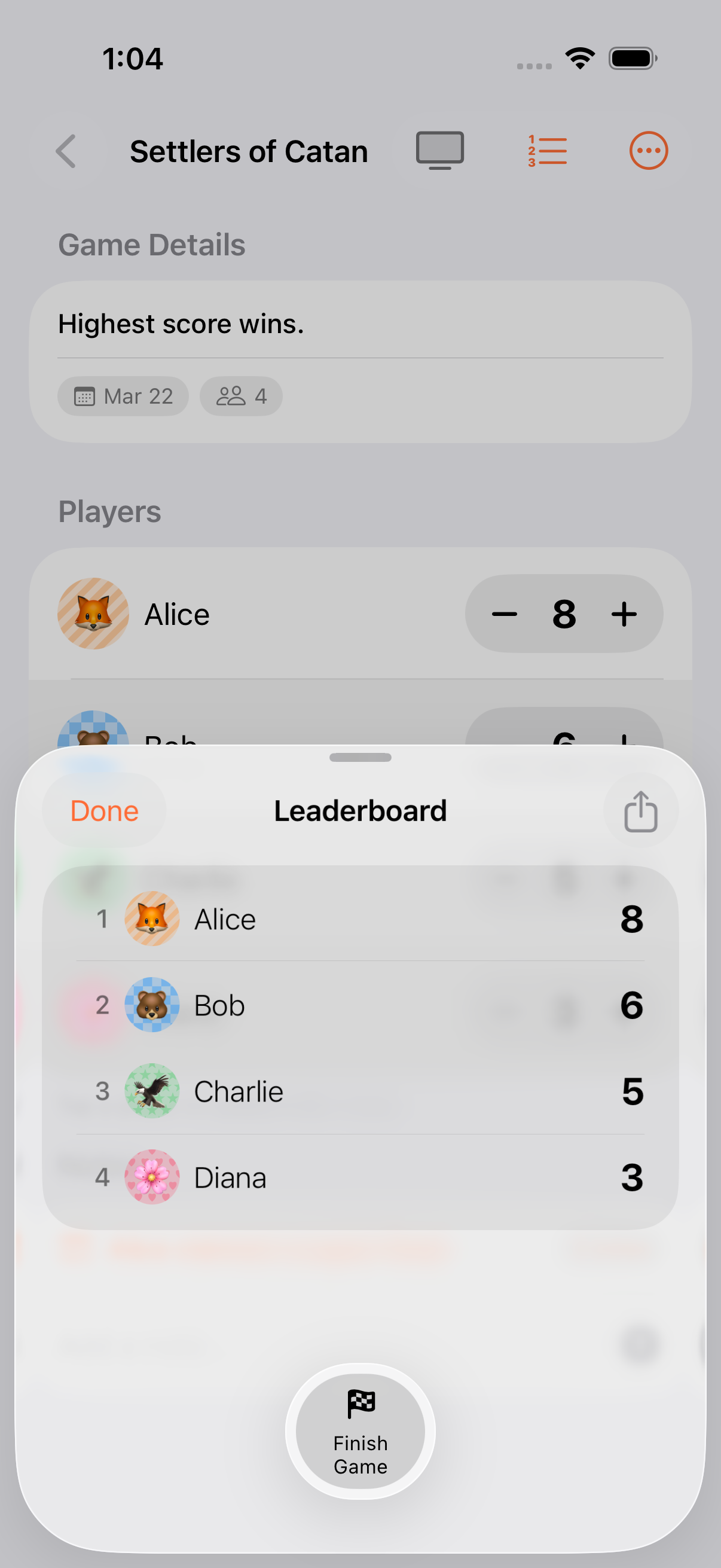
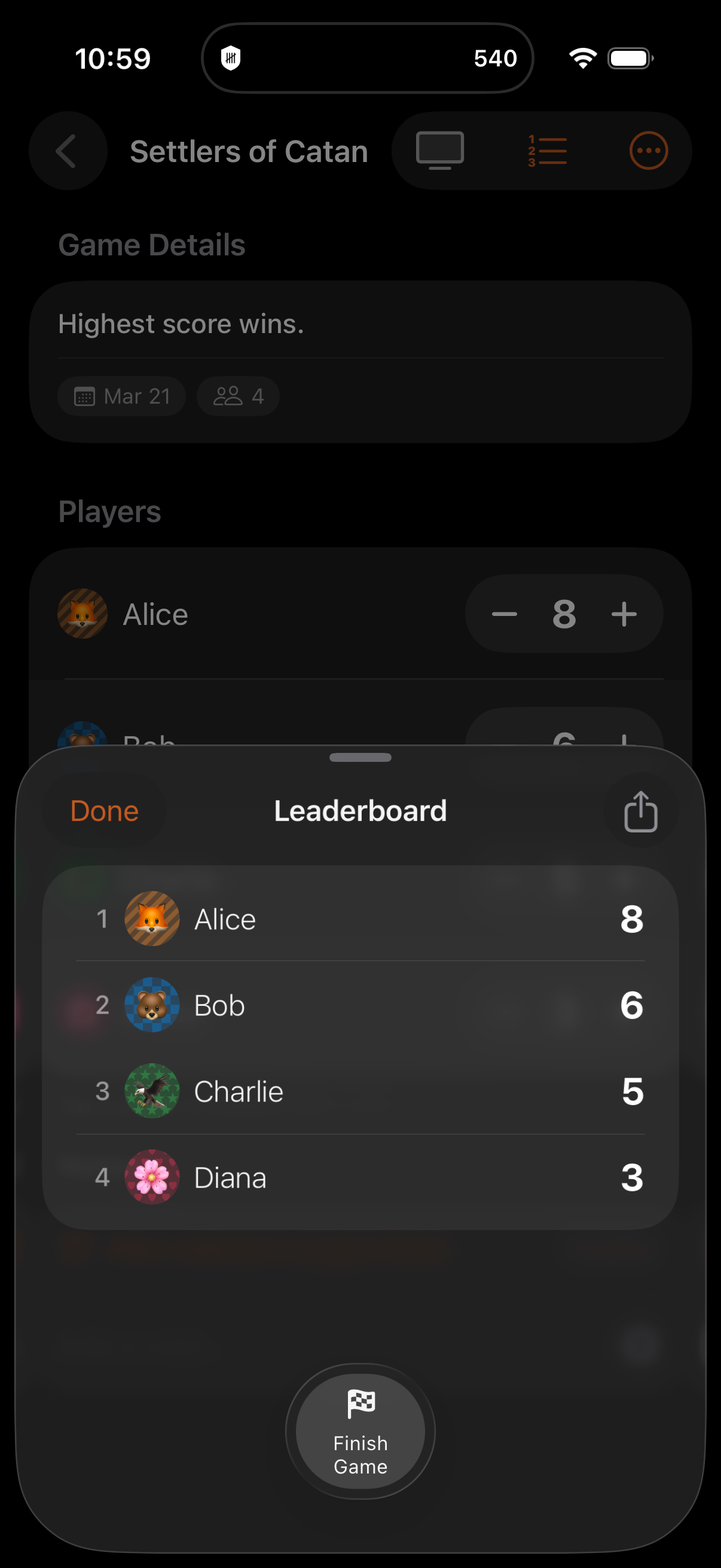
Section titled “Rounds”Games can optionally be round-based, with either a fixed round count or open-ended rounds. Each round captures a snapshot of every participant’s score, and a round grid leaderboard tracks cumulative totals across rounds.
Commit a round via Next Round, or roll back with Reopen Previous Round before any scores are entered in the new round.
Learn more in Rounds.
End Conditions
Section titled “End Conditions”Choose when a game ends:
| Condition | What Happens |
|---|---|
| Open Ended | Finish manually whenever you’re done |
| Target Score | Ends when any participant reaches the target |
| Total Scored | Ends when combined scores hit the target |
| Timed Game | Countdown timer: ends when time runs out |
| Timed Round | Per-round timer: resets at each round boundary |
| Target Score Per Round | Round ends when the target is reached |
| Total Scored Per Round | Round ends when the combined total is reached |
Learn more in End Conditions.
Categories
Section titled “Categories”Games can define up to 20 scoring categories (e.g., “Resources”, “Military”, “Science”) that each participant scores in independently. Category totals sync to the participant’s overall score. Category Templates let you save and reuse category sets. Not compatible with Win/Draw/Loss or Point Exchange.
Score History & Undo
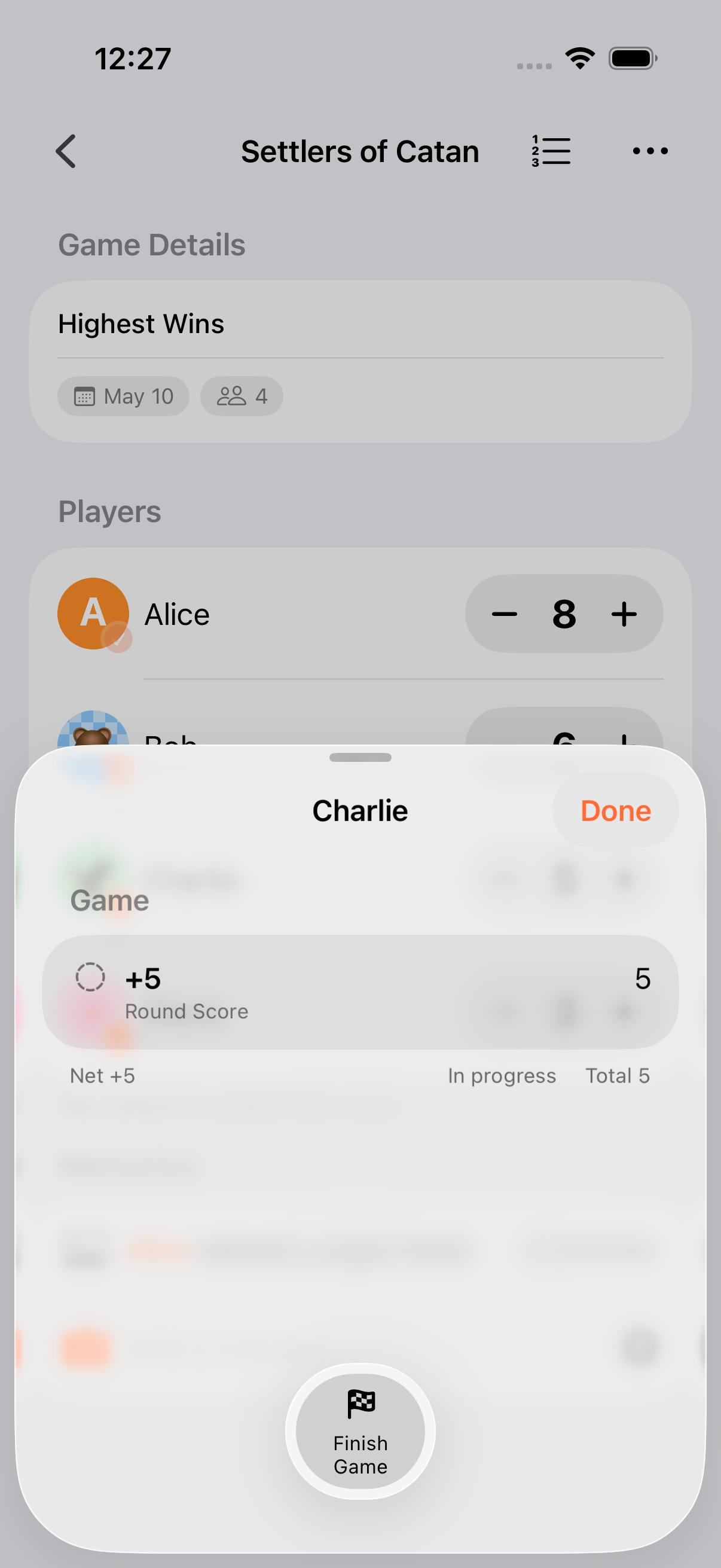
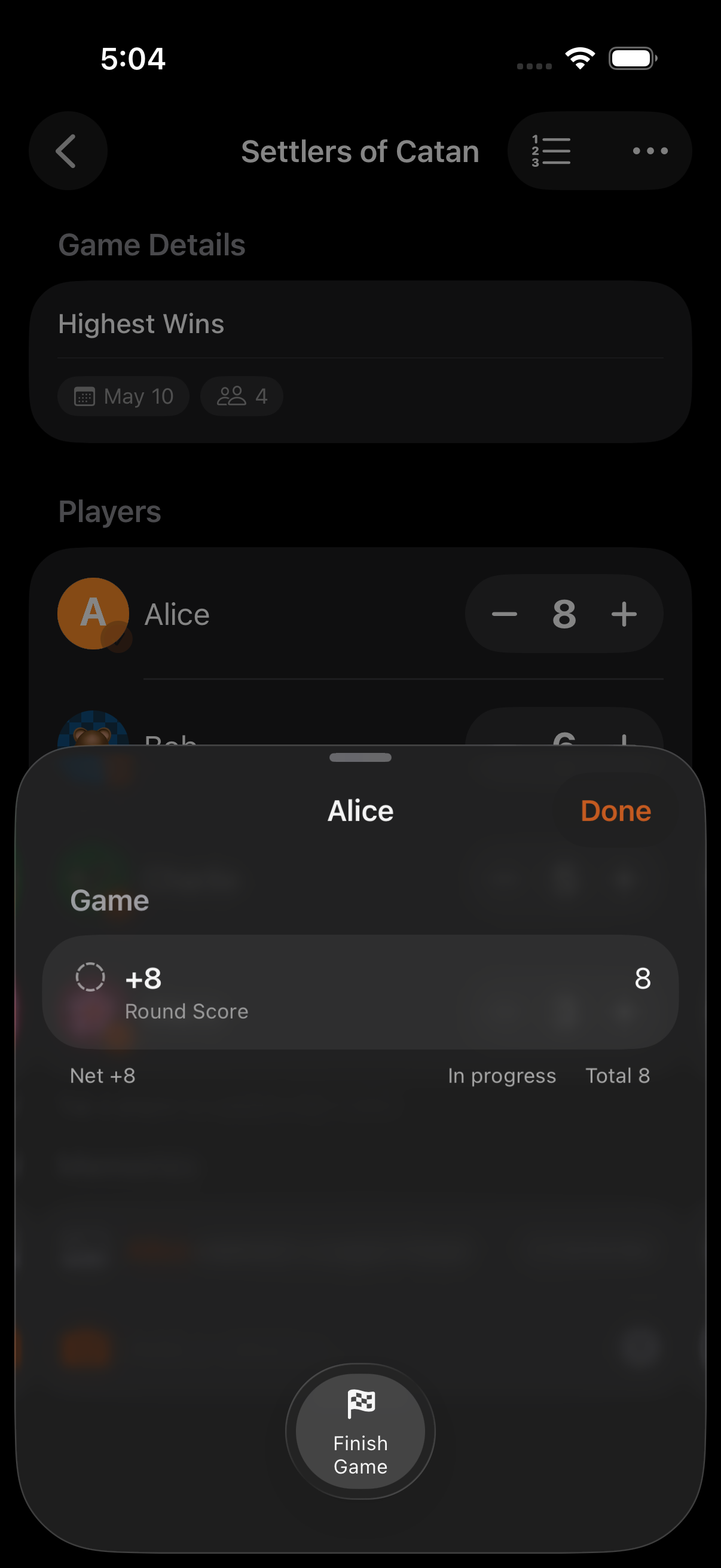
Section titled “Score History & Undo”Every score change is recorded as a ScoreChange (quick adjust, calculator, W/D/L, point exchange, or Siri) and grouped so multi-participant actions undo atomically. Review the full history and step back through changes from the game menu.
Personas
Section titled “Personas”Reusable participant profiles that persist across games:
- Emoji or photo avatar (256×256 JPEG, mutually exclusive with emoji)
- 9 preset colours and 4 background patterns (stripes, stars, checkers, hearts)
- Game statistics: games played, wins, average position, hot/cold streaks
- Grouped into named collections for batch selection
- Synced across devices via iCloud
Learn more in Personas.
Game States
Section titled “Game States”A game is either Playing or Finished:
- Playing: Scores can be updated, rounds committed
- Finished: Winner crowned with confetti, final ranks stored
- Reopen: Resume a finished game (restores the last committed round)
- Rematch: Start a fresh game pre-populated with the same setup and participants
Deletes are soft: items sit in Recently Deleted for 30 days before purge.
Game Collections
Section titled “Game Collections”Group multiple games into a session (e.g., a Thursday poker night) with cross-game win tallies to determine an overall champion. Learn more in Game Collections.
Next Steps
Section titled “Next Steps”- Navigating the App: Find your way around
- Family Game Night: A complete walkthrough