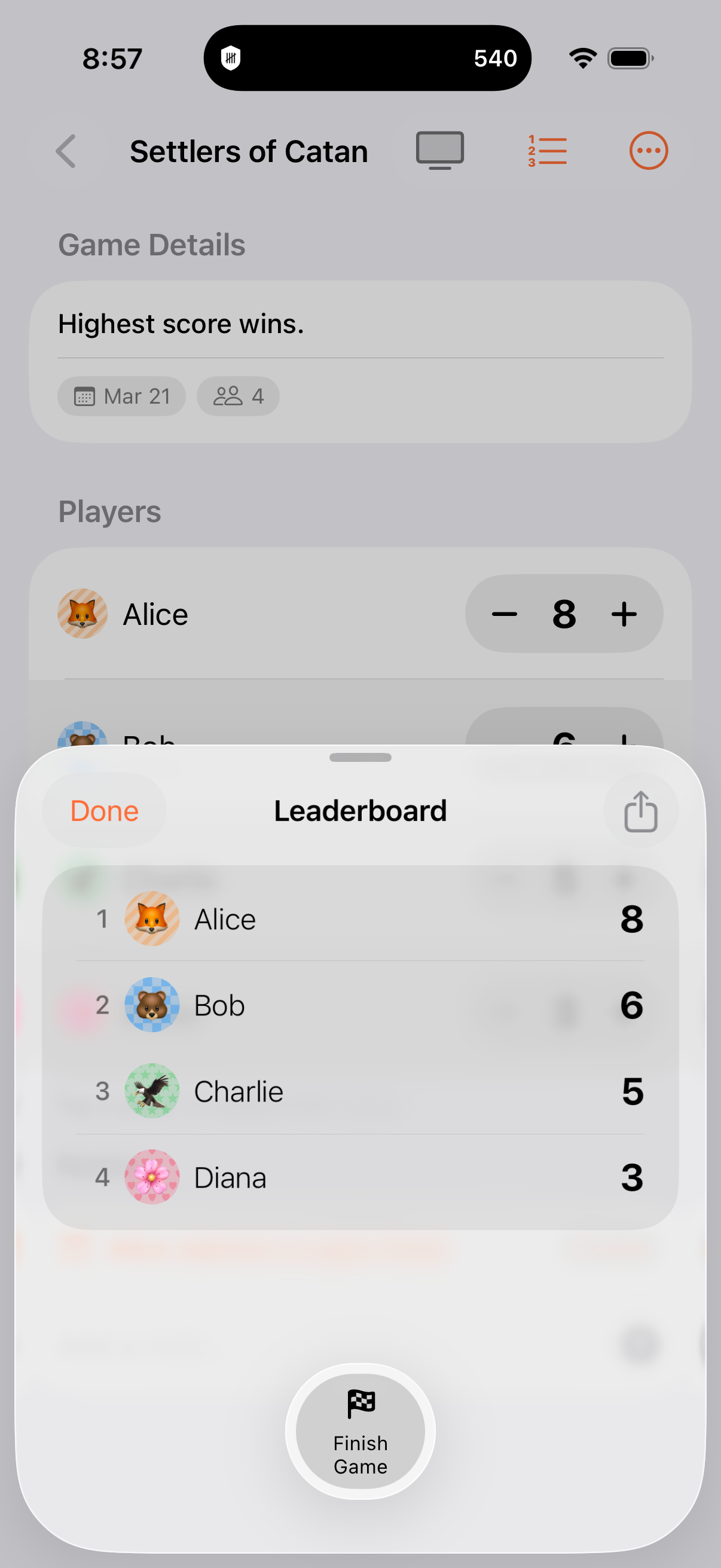
Your TV is now a scoreboard.
Connect via AirPlay and everyone can see the scores. A purpose-built leaderboard on the big screen — not a mirror of your phone.
How it works
1
Connect AirPlay
Swipe open Control Center and tap Screen Mirroring to connect to your Apple TV or AirPlay-compatible TV.
2
Open a game
Open any active game in Keeping Score. The app detects the second screen automatically.
3
Leaderboard appears
Your TV shows a live leaderboard while your phone stays on the scoring view. Update scores and watch rankings change in real time.
Not just a mirror.
Most apps just mirror your phone screen to the TV. Keeping Score sends a purpose-built leaderboard view — large text, clear rankings, and smooth animations designed for viewing across the room.
- Live leaderboard with rank changes
- Leader change coin flip animations
- Winner celebration with confetti
- Your phone stays on the scoring view